
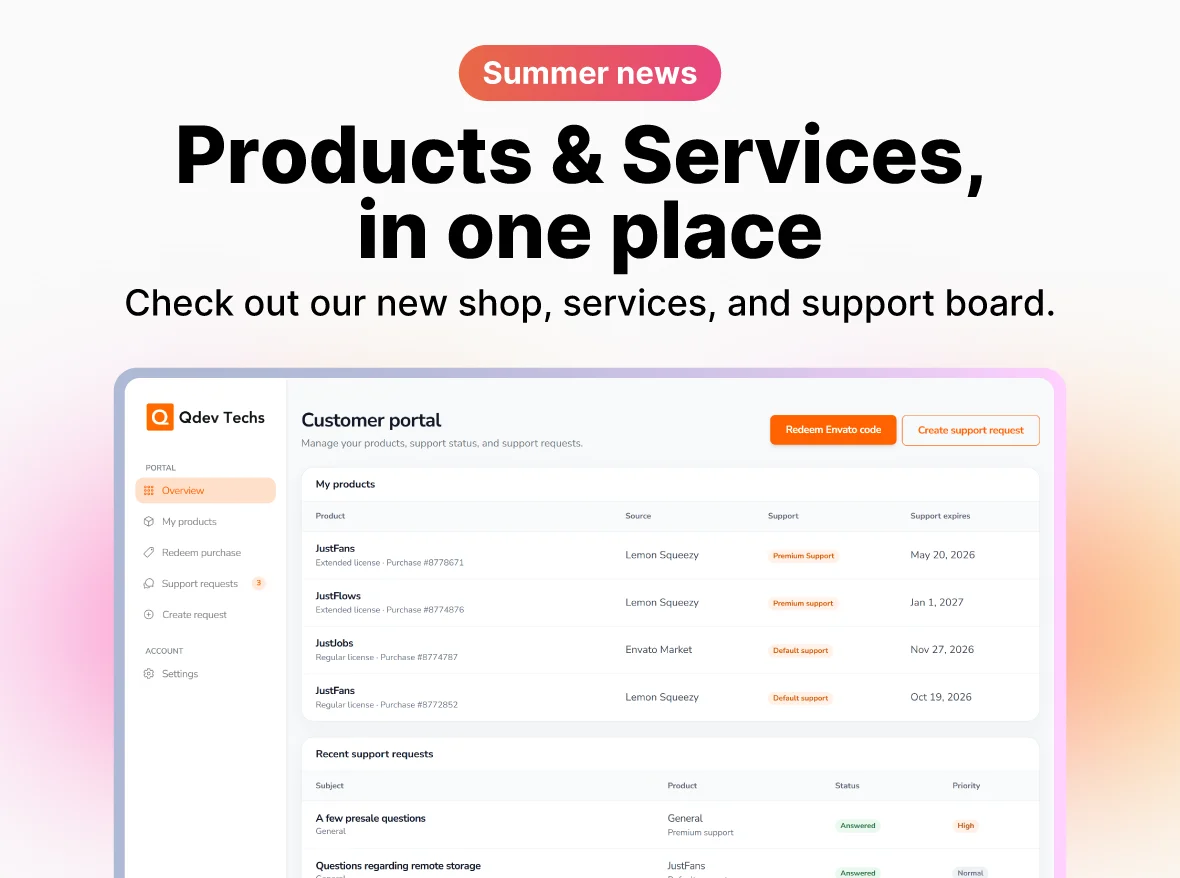
On July 1, we launched a broader update to the customer experience: direct purchases through our own store, private product downloads in the customer portal, and clearer options for installation and extended product support.
The goal is simple: make it easier to buy, manage, download, launch, and get help with our products through one connected experience.
Buy directly from our store
Customers can now purchase eligible Qdev Techs products and one-time support extensions directly from our store. Existing CodeCanyon listings remain supported, while direct checkout connects purchases more closely with customer accounts and product access.
For direct customers, purchases, eligible downloads, license details, and support coverage are brought together through the same account flow instead of being split across separate systems.
The customer portal is live
The portal is now the central place to manage products, licenses, eligible downloads, support, and product resources from one dashboard.
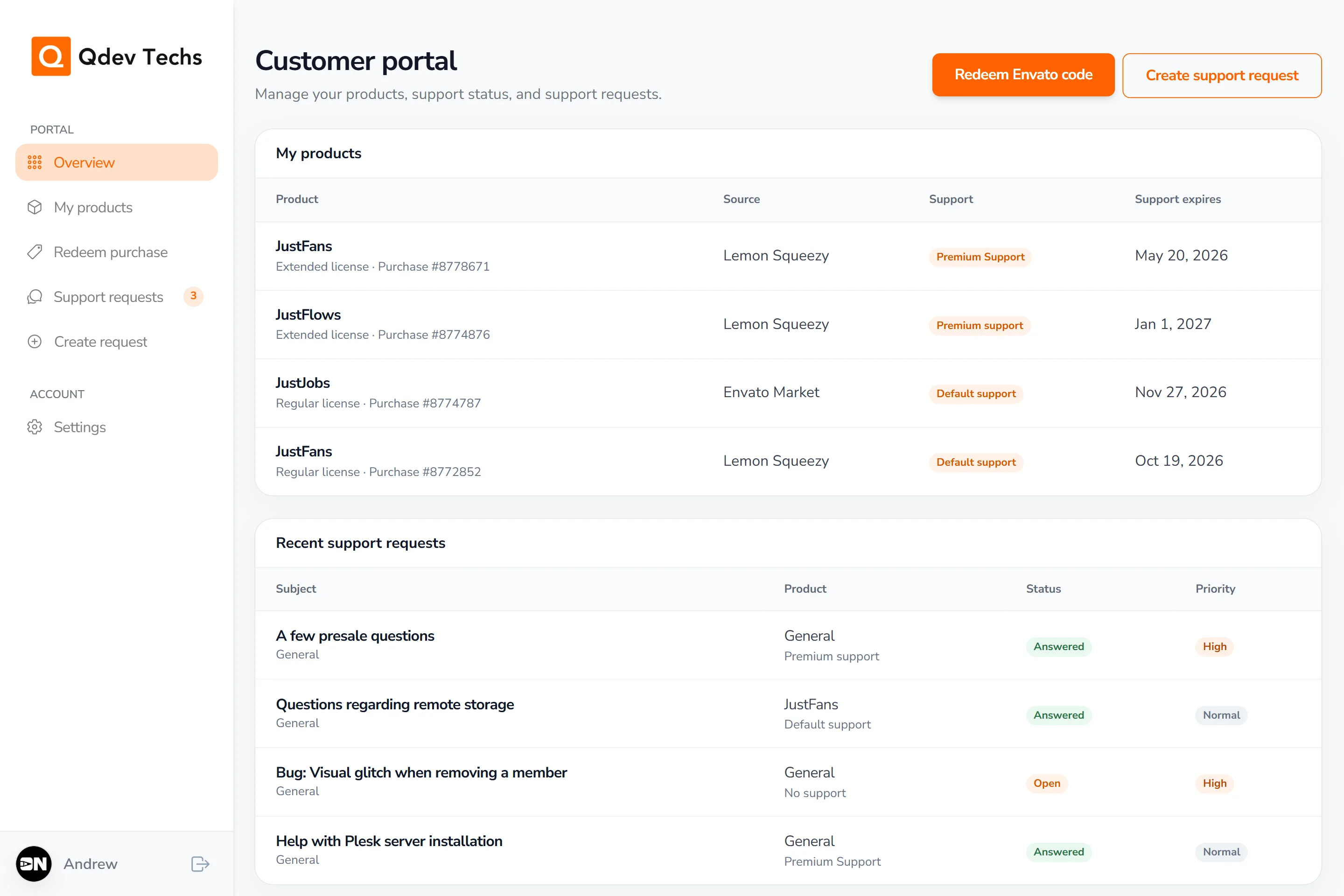
- Connect existing Envato licenses to your Qdev account.
- See license type, purchase source, and support expiry.
- Download the latest eligible product releases and access license keys, documentation, and changelogs.
- Create and track support requests with Markdown, image, and video attachments.
- Receive email, push, and live ticket updates.
- Add two-factor authentication for extra account protection.
Installation and support options
Customers with an existing license can request one-time installation assistance for a Qdev Techs product on compatible hosting.
A Product Support Extension is a one-time purchase that continues standard product guidance and troubleshooting for one licensed product. It does not renew automatically and can be assigned through the customer portal.
Support extensions do not include installation, hands-on server work, applying product updates, or custom development.
A cleaner customer experience
Together, these updates make the customer journey simpler: buy directly when preferred, download and manage products through the portal, and request installation or extend product support when needed.